Need a Canadian payroll year-end checklist?
Dec 4, 2025

Here’s a payroll year-end checklist for Canada
Payroll year-end might sound intimidating, but it’s really just a chance to make sure your books and employee records are up to date before the year closes.
In Canada, every pay, deduction, and benefit you’ve processed since January adds up to one big number: the total payroll you’ll report to the Canada Revenue Agency (CRA). Getting this right keeps your business compliant with the rules and your employees’ year-end slips accurate.
Get free small business payroll.
What is payroll year-end?
While the physical payroll year-end is the last day of December, the related activities span the final quarter of the current year and the first quarter of the new year.
Payroll year-end is a part of your company’s overall accounting year-end. If you think of accounting year-end as balancing the entire financial book, payroll is its own special chapter.
What do you need to know? This checklist will help ensure that this year your chapter is a hero’s tale and not an epic tragedy.
Key payroll year-end dates
For most small businesses, the payroll year ends on December 31. That date matters because:
Payroll is reported based on payday, not the pay period. If you run a paycheque in December for a period that extends into January, it still counts as this year.
After December 31, you’ll prepare and file your year-end tax slips, due to the CRA/RQ, and their human recipients by the last business day in February.
Bank closures on Christmas, Boxing Day, and New Year’s Day can affect when you need to run your last paycheque. Earlier is better.
Holiday schedules can also throw off your final payroll remittances for December. Set reminders so you can stay on track.
People only like good surprises, so let your employees and contractors know if holiday schedules affect any pay dates.
Once you’ve noted your dates, you’re ready for the checklist.
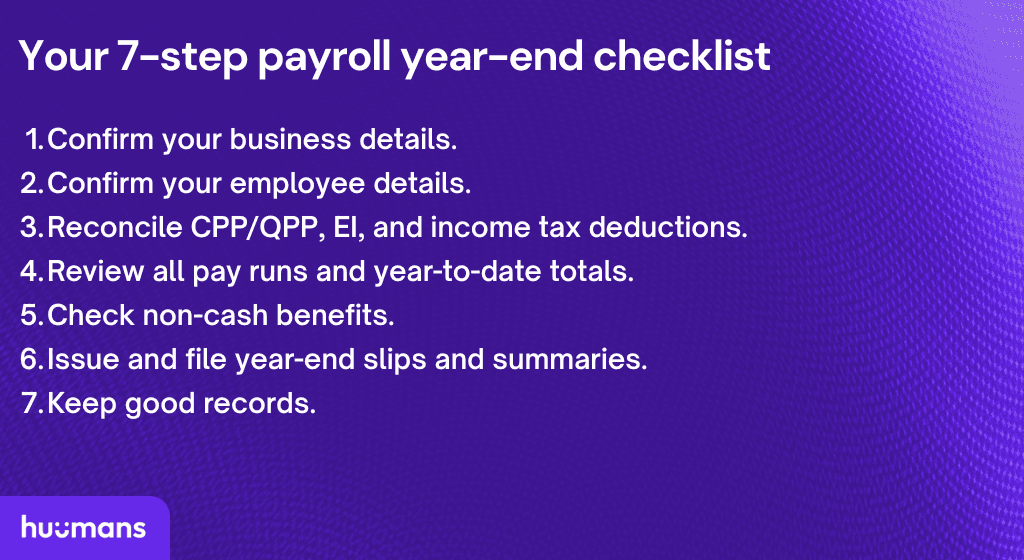
Your 7-step payroll year-end checklist
Here’s your simple payroll year-end checklist to help prevent mismatches and confusion, so you can end on a high note and start the year strong.
1. Confirm your business details
Ensure all your business information is correct and up-to-date before you issue year-end slips or summaries, accounting for:
Any changes to your legal business name, address, structure, banking information, or remittance schedule(s).
Correct business number (BN) and payment account information.
Key contacts: both emails and phone numbers.
2. Confirm your employee details
Next, review every employee’s information so their year-end slips and next year’s payroll are accurate. Verify:
Personal addresses
Social insurance numbers (SINs)
Contact information
Any changes that affect an employee’s TD1 form (Personal Tax Credits Return), such as getting married or having children.
Any employment status changes such as terminations or leaves of absence.
3. Reconcile CPP/QPP, EI, and income tax deductions
Match your year-to-date payroll taxes (source deductions) to your actual remittance history.
Canada Pension Plan (CPP)/Québec Pension Plan (QPP)
Employment Insurance (EI)
Provincial/territorial income tax
4. Review all pay runs and year-to-date totals
Confirm the accuracy of these totals:
Gross pay
Employee deductions
Employer contributions
Bonuses, commissions, and other taxable benefits
5. Check non-cash benefits
If you provide non-cash benefits, like the examples below, review them carefully.
Group health and dental premiums
Company vehicles
Employer-paid courses or memberships
6. Issue and file year-end slips and summaries
For each employee, prepare a T4 slip.
For each contractor, prepare a T4A slip.
Any required provincial or territorial versions of T4s or T4As
For employees and contractors in Québec, prepare RL-1s.
Submit these slips along with their summaries by the last business day in February.
Gentle reminder: If you have more than five of any kind of these slips, they must be sent electronically.
7. Keep good records
You must keep payroll records for at least six years.
Store them as digital and/or paper records.
Keep them secure and easily accessible.
When you add a new year’s worth of records, you can also safely dispose of any records that are now seven years old.
Before your first pay run of the new year
Get set for a clean start.
Check for any changes to tax rates and contribution amounts.
Ensure these amounts are updated.
Apply any other planned changes that affect payroll, like a change in frequency.
One last tip: Payroll software makes everything easier
If you noticed, we ended this year-end post with pointers for the first payroll of the year. That’s because you start preparing for year-end with the very first payroll. Every time you run payroll, you’re updating your year-to-date amounts and tracking source deductions.
That’s why automation, in the form of payroll software, saves you so much time and frustration.
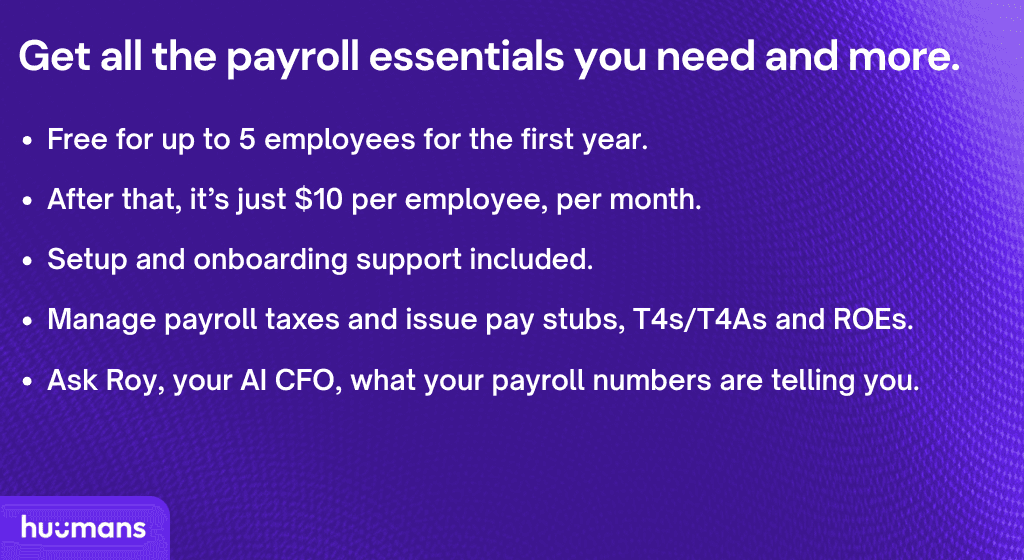
It’s also why we’re offering the use of our payroll software for free for up to five employees for a year. When you sign up, you’ll also get free access to the Huumans dashboard and a helpful AI-powered CFO, named Roy.
Manage payroll for up to 5 employees for free.
Resources
For more on key topics from this payroll year-end checklist, see these links.
From the Huumans blog:
From the CRA and RQ:
FAQs
When are payroll year-end slips due?
T4s, T4As, and RL-1s are due by the last business day in February for both the filing agencies and your employees.
What if a paycheque includes hours from December and January?
The income counts in the year the paycheque was issued, not when the work was done.
What if I find an error after submitting my T4s?
You can amend or correct year-end slips with the CRA. It’s better to fix issues quickly to avoid penalties or confusion for employees.
Do taxable benefits go on this year’s or next year’s slips?
Like salary and wages, they go on the T4s or RL-1s for the calendar year in which the employee received the benefit.
Fine print changes all the time. We do our best to keep things accurate and helpful, but this blog doesn’t replace your accountant, bookkeeper, or lawyer.
If you catch something off, let us know and we’ll fix it. And if we link to other sites, that’s just us sharing resources — what they say is on them, not us.
Powered by AI, built for humans.
Get started for free
© Huumans 2026, All Rights Reserved

SMB Financial Operating System
SMB Financial Operating System
SMB Financial Operating System
Company
Product
Legal