Sep 18, 2025
Michelle Mire
Automated payroll makes a big difference to small businesses
Most small businesses don’t have a dedicated payroll person, which means the work usually lands on you, the business owner. And while paying employees sounds simple, the rules aren’t. Payroll is highly regulated, with lots of room for small errors that create big headaches.
On average, small businesses spend nearly 25 times more hours on compliance issues, like inaccurate reporting or late payments, than larger businesses. When mistakes happen, you’re also the ones who often experience the greatest impact.
For the longest time, many small businesses had no choice other than to process payroll manually. Thankfully, today’s small business payroll tools are easier to access and more affordable than ever.
Here’s how automated payroll helps lighten the load.
How payroll automation helps from end to end
Payroll automation is more than a time-saver. It’s a safeguard that helps keep your payroll accurate and aligned with reporting requirements from the moment you hire a new employee to the moment you close out your year-end reporting.
Get set up properly right from the start
Your payroll setup begins with entering your basic business and employee information. Think of it as a digital checklist that ensures you’ve added the essential details you need before running your first payroll.
Add new employees with ease
Bringing on a new employee can feel like a paperwork marathon. Payroll software makes onboarding simple, letting you:
Keep all the TD1 information and the employee’s banking details in one place.
Create an accurate employee profile for payroll.
Complete the required new hire reporting.
Protect sensitive personal and financial information.
Confirm that key fields are complete before payroll starts.
Streamline each pay run
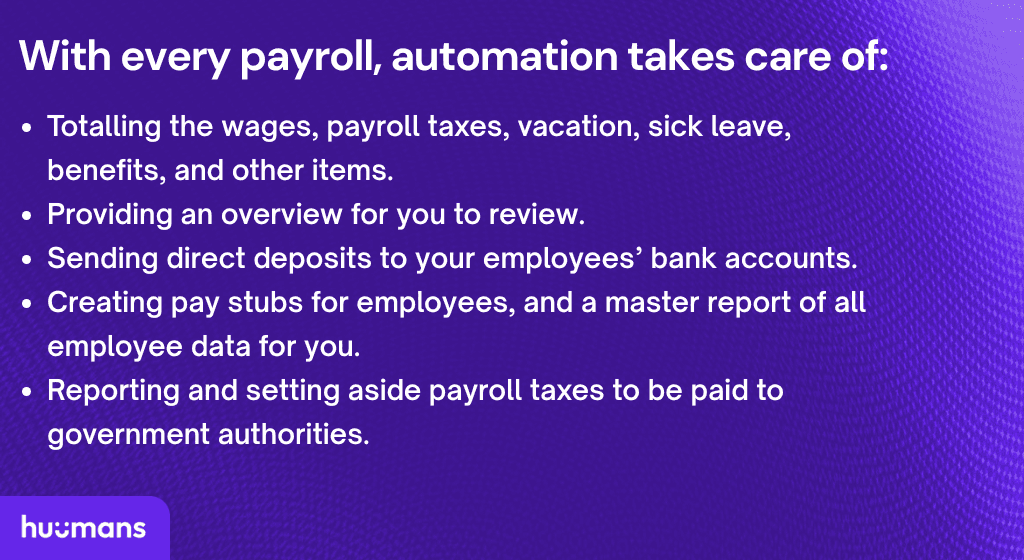
Every time you pay your employees, automated payroll takes care of:
Totalling the wages, payroll taxes, vacation, sick leave, benefits, and other items.
Providing an overview for you to review.
Sending direct deposits to your employees’ bank accounts.
Creating pay stubs for employees and a master report of all employee data for you.
Reporting and setting aside payroll taxes to be paid to government authorities.
Want to know more about payroll schedules? Read this.
Simplify government reporting and remittances
Government reporting and remittance? What these terms really mean is sending the funds you take out of paycheques, along with the reports that go with them, to the Canada Revenue Agency (CRA) or Revenu Québec (RQ). With automated payroll, the reports are always current, the funds are set aside, and both are ready to send on time.
Keep right on track for year-end
At the end of your fiscal year, you’ll also close out your payroll records for the year (a process known as payroll year-end), helping you and your employees get ready to pay your income taxes. For you as a business owner, it’s also yet another check to ensure you catch or correct any inadvertent mistakes. (Payroll software is amazing, but transposed numbers and inaccurate rates happen. Even then, you have a clear trail of breadcrumbs to follow.)
For more about payroll year-end, get this checklist.
Give you and your employees greater peace of mind
Instead of memorizing the rule book, payroll automation has the rules built in. With tools like Huumans Payroll, you can spend more time inspiring your employees rather than tracking down their banking info or adding up hours and wages. That means fewer mistakes, better data, and greater confidence for everyone. That’s a win for your team and your business.
Want to know more about choosing payroll software? Try this checklist.
Fine print changes all the time. We do our best to keep things accurate and helpful, but this blog doesn’t replace your accountant, bookkeeper, or lawyer.
If you catch something off, let us know and we’ll fix it. And if we link to other sites, that’s just us sharing resources — what they say is on them, not us.
