Dec 16, 2025
Michelle Mire

How AI helps you understand your numbers faster
Glancing through headlines, you’ll read that two-thirds of Canadian small businesses already use AI, and that most businesses using AI see concrete benefits.
When you pop the question, “How does AI help small business owners understand their numbers faster?” into Google, you get an efficient summary that states:
“AI helps small business owners understand their numbers faster by automating manual data processing, which provides real-time insights, accurate forecasts, and easy-to-understand reports through user-friendly tools.”
But what does this mean? Let’s untangle this string of key concepts and phrases.
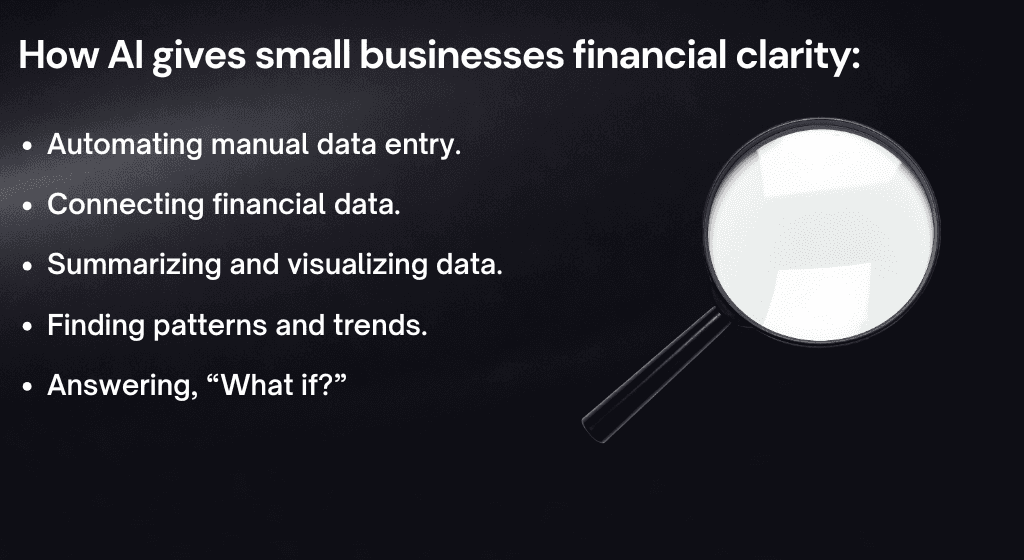
What does “automating manual data processing” mean?
Manual data processing equals entering things by hand. For example, if you’re managing payroll without the use of any software, you’re doing the data entry and calculations all on your own.
Not only does this take a ton of time, it puts you at a greater risk of transposing numbers and making other simple mistakes that can add up. Plus, it keeps you from connecting with your customers and working with your team to make your business the best it can be.
How payroll software is automation in action
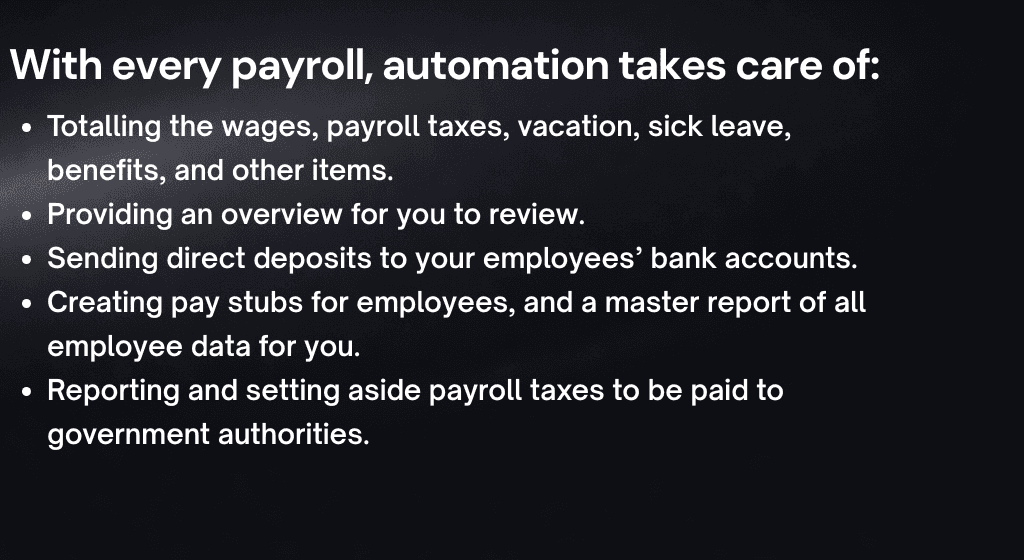
Tools, like Huumans Payroll, do many of these things for you. Once you set it up, payroll software will do all the calculations for you. Then when you approve the payroll, the software pays your employees using direct deposit.
In addition to keeping accurate records of each payroll, the software also helps you both take out and add in the correct amounts for payroll taxes. It can even send the required payments and reporting to the right places for you.
Just one example of automating small business finances, payroll software saves you time, prevents mistakes, helps stay compliant (follow the tax rules), and gives you and your employees the peace of mind that payroll is handled.
Quick Stat: The average small business spends up to 144 hours of hard-earned time and up to $1,500 in software fees each year. Skip that. Use Huumans Payroll to manage payroll with ease.
Where does artificial intelligence (AI) come in?
While automation handles repeatable tasks, AI helps with thinking, explaining, and decision-making. When it comes to “real-time insights, accurate forecasts, and easy-to-understand reports,” that’s where AI steps in.
AI-powered tools, like the Huumans Dashboard, not only connect your financial data from sources like your payroll and accounting software, it helps you see what these numbers are telling you in real time.
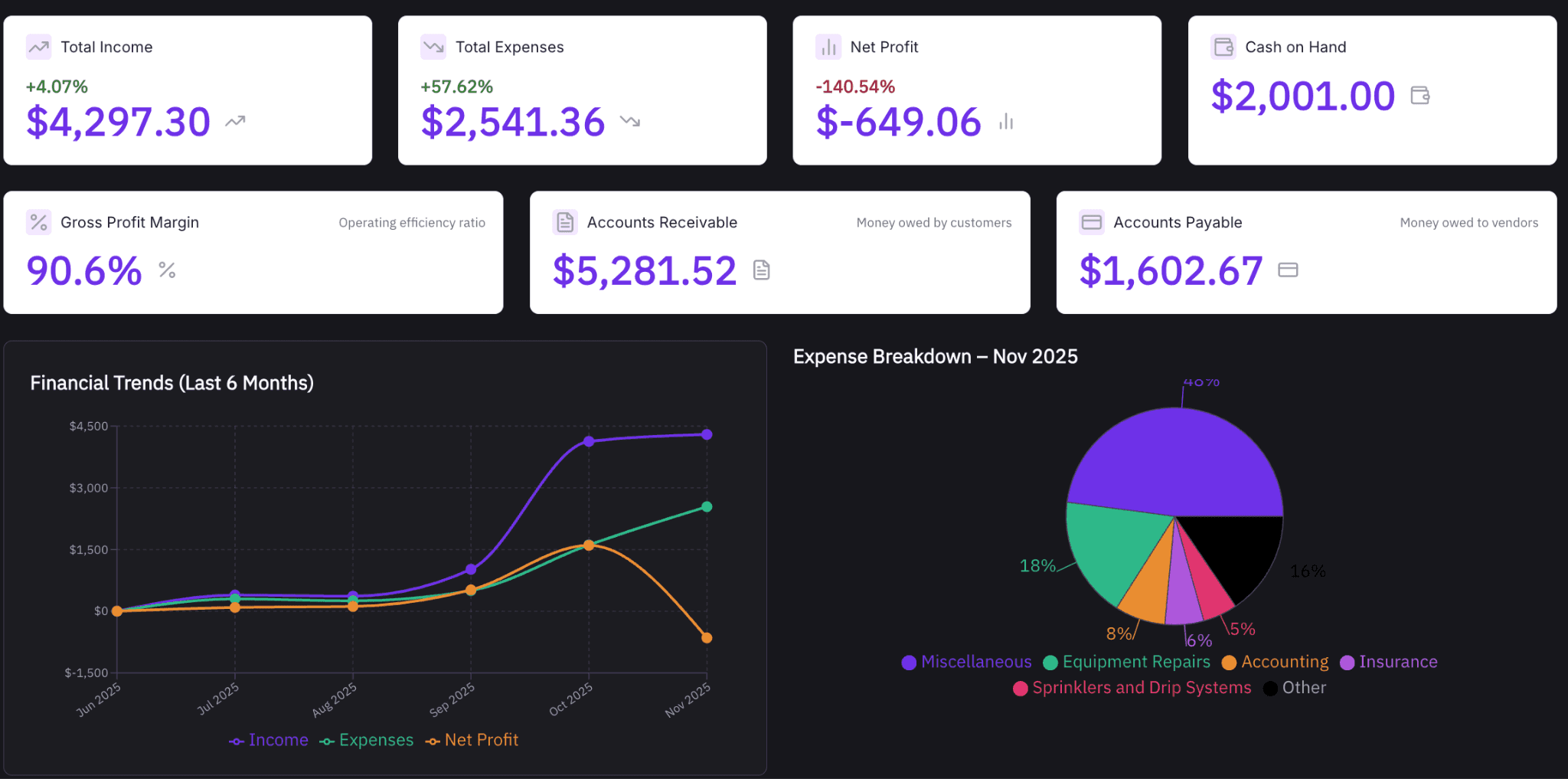
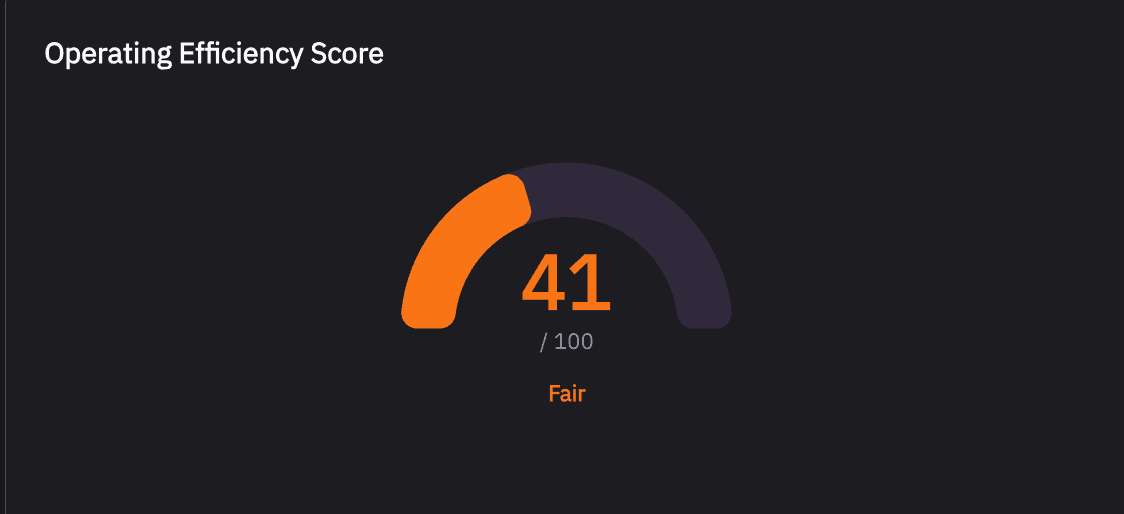
In addition to quickly summarizing your total income, expenses, and other key metrics, the Huumans Dashboard breaks things down even further into a series of at-a-glance charts and graphs. It even gives you an operating efficiency score that tells you how much it cost you to earn your income.
Taking it one step further with forecasting and road-mapping
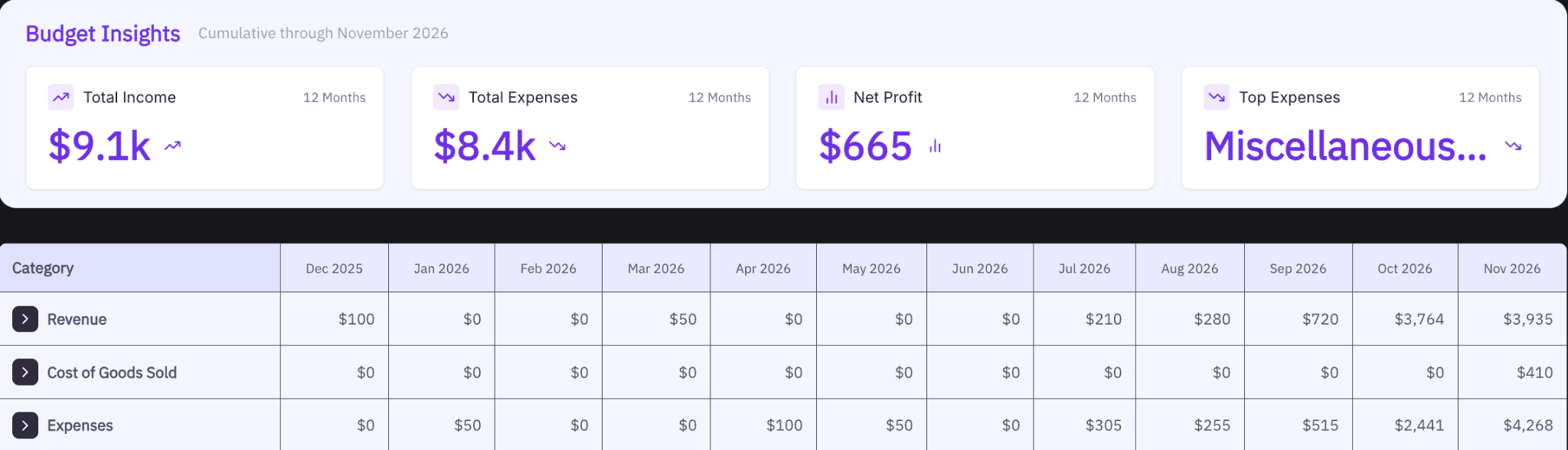
Within the Huumans Budgeting tool, you can dive deeper in your income and expenses, building a 12-month budget as a road map for your financial goals. You can also update your data or work with agentic AI to test and forecast different scenarios.
Quick Stat: According to the Canadian Federation of Independent Business (CFIB), for every hour a business spends using AI, they save an hour that they can then apply elsewhere.
What is agentic AI and how can it help?
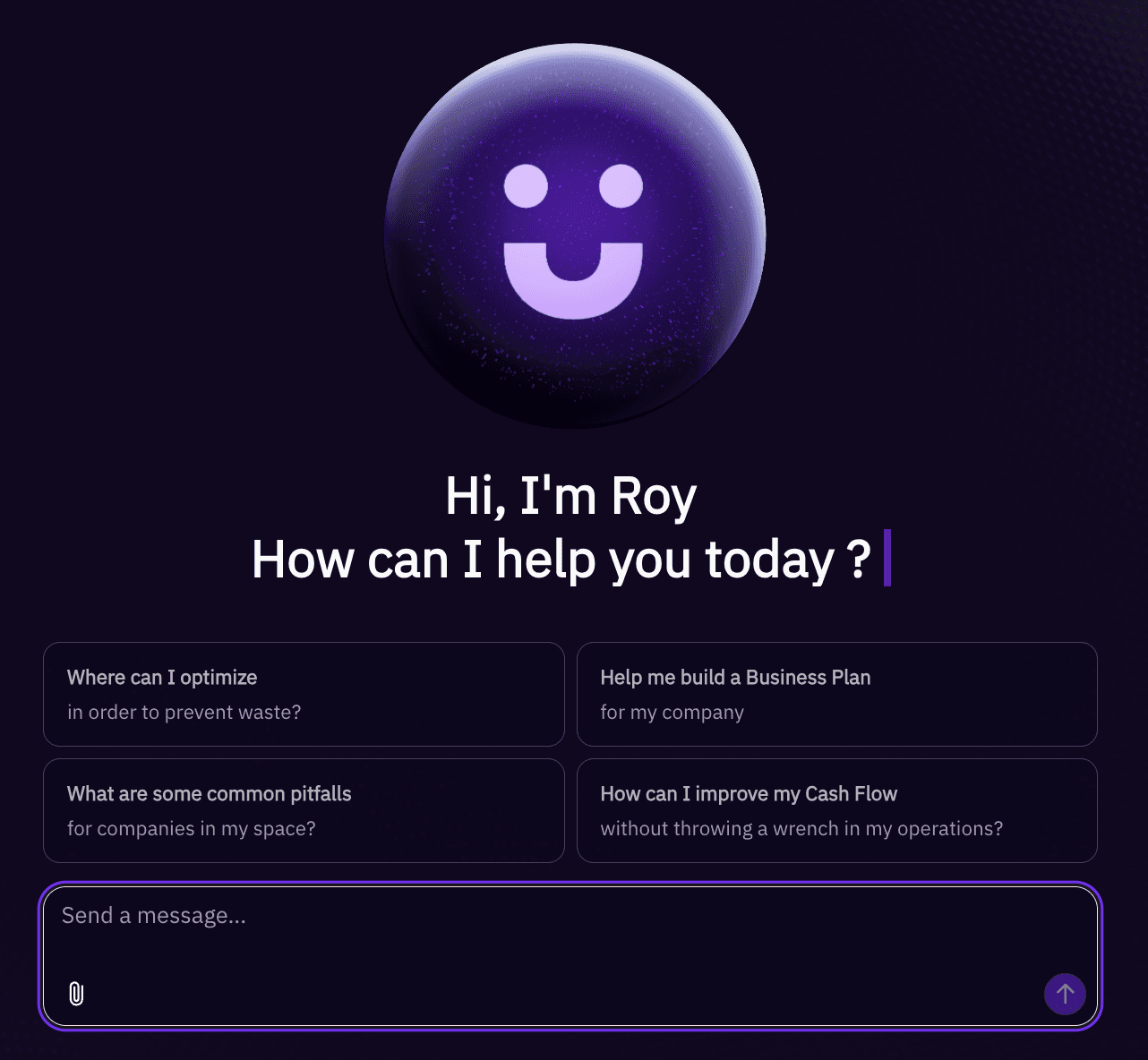
AI engines that connect data and crunch numbers often operate behind the scenes. AI agents, like Roy, Huumans AI CFO, are there inside the software to help you out. You can ask Roy anything from general knowledge questions to detailed inquiries related to your business’s financial data.
For instance, you can have Roy explain the difference between gross and net profit. Then you can have Roy tell you the gross and net profit for your small business.
Will AI replace my bookkeeper or accountant?
No, AI will not replace your bookkeeper or accountant. Instead, it’ll give them more time to use their human expertise to help advise you on your business needs. Rather than spending hours administering payroll, they can focus more time on trends like your best income sources to further leverage or highest costs to consider lowering.
Huumans has started building a network of bookkeepers and advisors. Soon, you’ll also be able to connect with them right inside Huumans.
Quick Stat: Nearly one in five small businesses use AI for bookkeeping, accounting, and financial insights. This is according to research conducted by Revenued.
How soon can you get started?
You can start understanding your numbers faster right now with Huumans. All you have to do is sign up for free. No fuss, no hidden fees, just clarity.
Fine print changes all the time. We do our best to keep things accurate and helpful, but this blog doesn’t replace your accountant, bookkeeper, or lawyer.
If you catch something off, let us know and we’ll fix it. And if we link to other sites, that’s just us sharing resources — what they say is on them, not us.
